
Hyundai Ioniq (AE): Audio / Audio Remote Control. Repair procedures
Hyundai Ioniq (AE) 2017-2022 Service & Repair Manual / Body Electrical System / Audio / Audio Remote Control. Repair procedures
| Inspection |
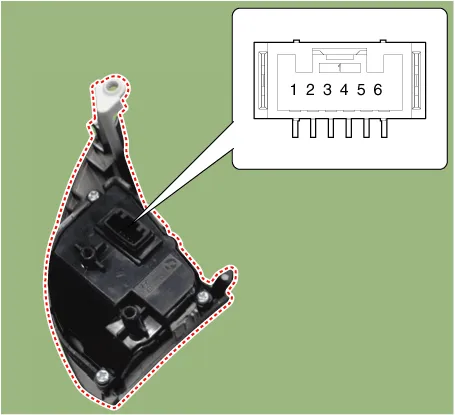
| 1. | Check for resistance between terminals in each switch position (LH).
[LH : Audio+B/TOOTH+VOICE]
|
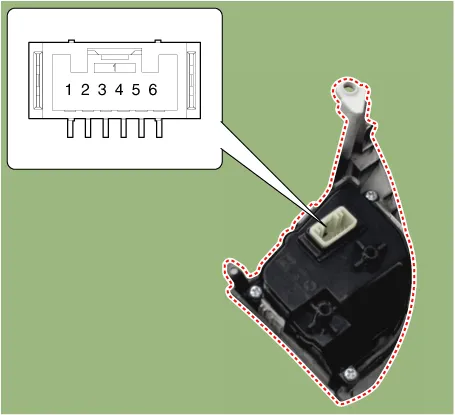
| 2. | Check for resistance between terminals in each switch position (RH).
[RH : Trip+Cruise+SCC]
|
| Removal |
| 1. | Disconnect the negative (-) battery terminal. |
| 2. | Remove the steering wheel assembly. (Refer to Steering System - "Steering Wheel") |
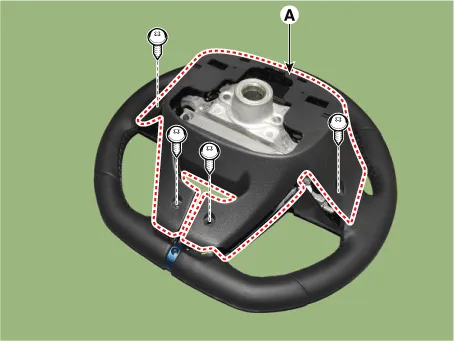
| 3. | Remove the steering back cover (A).
|
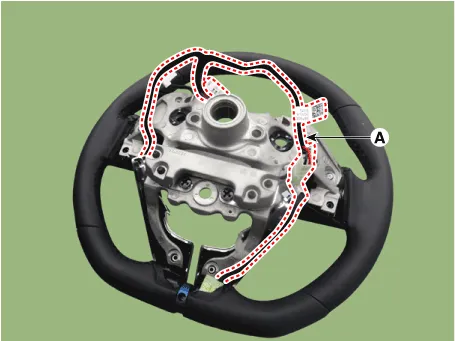
| 4. | Remove the steering remote control connector (A).
|
| 5. | Remove the steering remote control after loosening the screws.
|
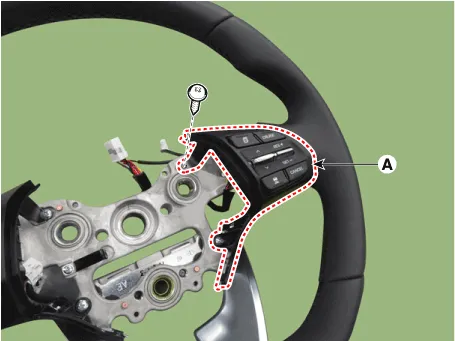
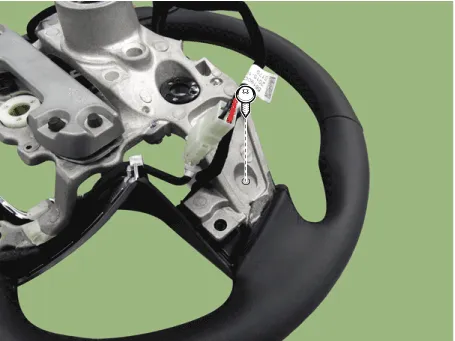
| Installation |
| 1. | Install the steering wheel remote control after connecting the connector. |
| 2. | Connect the negative (-) battery terminal. |
Circuit Diagram[Audio+B/Tooth][Audio+B/Tooth+Voice][Trip][Trip+Cruise][Trip+Cruise+SCC]
Circuit Diagram
Other information:
Hyundai Ioniq (AE) 2017-2022 Service & Repair Manual: Climate Control Air Filter. Repair procedures
Replacement1.Disconnect the air damper (A) from the glove box (B).2.Remove the stopper (B) from the glove box (A).3.Remove the filter cover (A) by pressing the knob.4.Replace the air filter (A) with a new one according to the direction of air filter. • To remove the filter easily, press the right side inwa
Hyundai Ioniq (AE) 2017-2022 Service & Repair Manual: Front Radar Unit. Specifications
S
Categories
- Manuals Home
- Hyundai Ioniq Owners Manual
- Hyundai Ioniq Service Manual
- General Information
- Suspension System
- Transmission Gear Oil. Repair procedures
- New on site
- Most important about car

Copyright © 2026 www.hioniqae.com - 0.0139